01
Know what you have
Bring your published content into one searchable, structured archive. No crawling or spreadsheet cleanup.
Audit your site for outdated, incomplete, or inaccurate content. Quisi AI finds and fixes issues to help your content show up in AI search.
Connects with



Recommended review
 Quisi AI
The archive is easy to overlook
Old pages accumulate. Search changes. Teams move on. Inquisition helps content teams and agencies see where to focus across the content they already own.
01
Bring your published content into one searchable, structured archive. No crawling or spreadsheet cleanup.
02
Surface thin, stale, overlapping, and under-linked pages alongside the signals that explain why they matter.
03
Ask Quisi AI questions about your archive and get recommendations grounded in your content and goals.
Content archives are everywhere
From global publishers and company newsrooms to independent blogs, content libraries keep growing. Inquisition helps teams see what deserves attention.
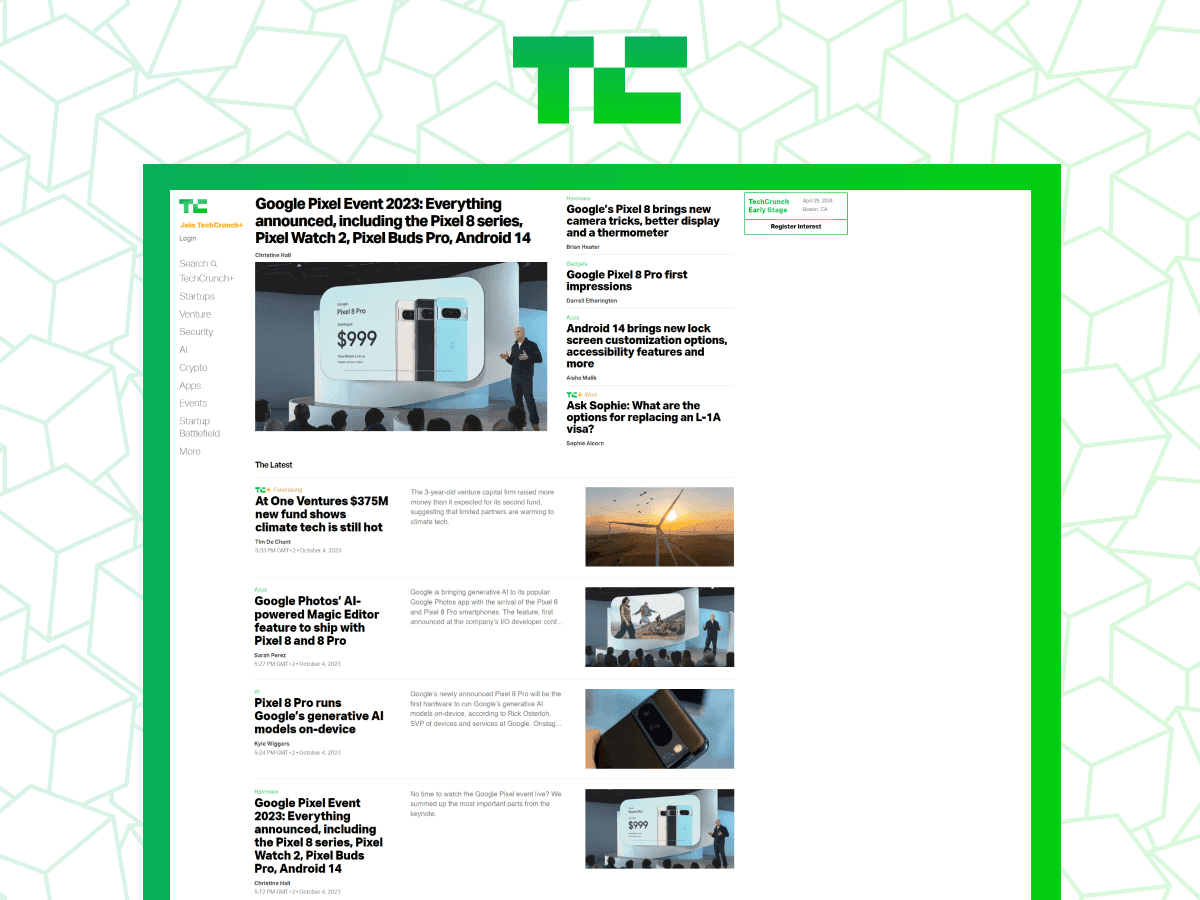
Technology publisher

Independent lifestyle blog
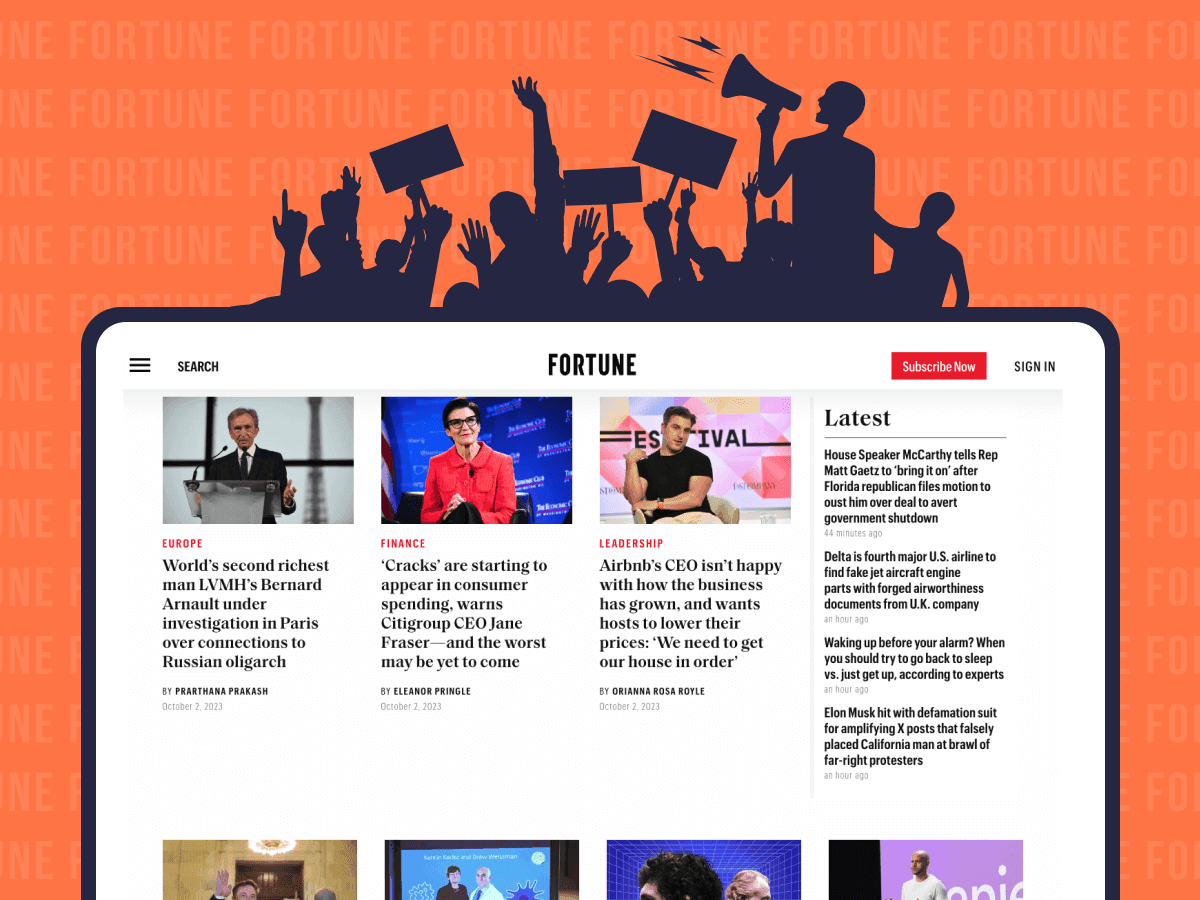
Business publisher
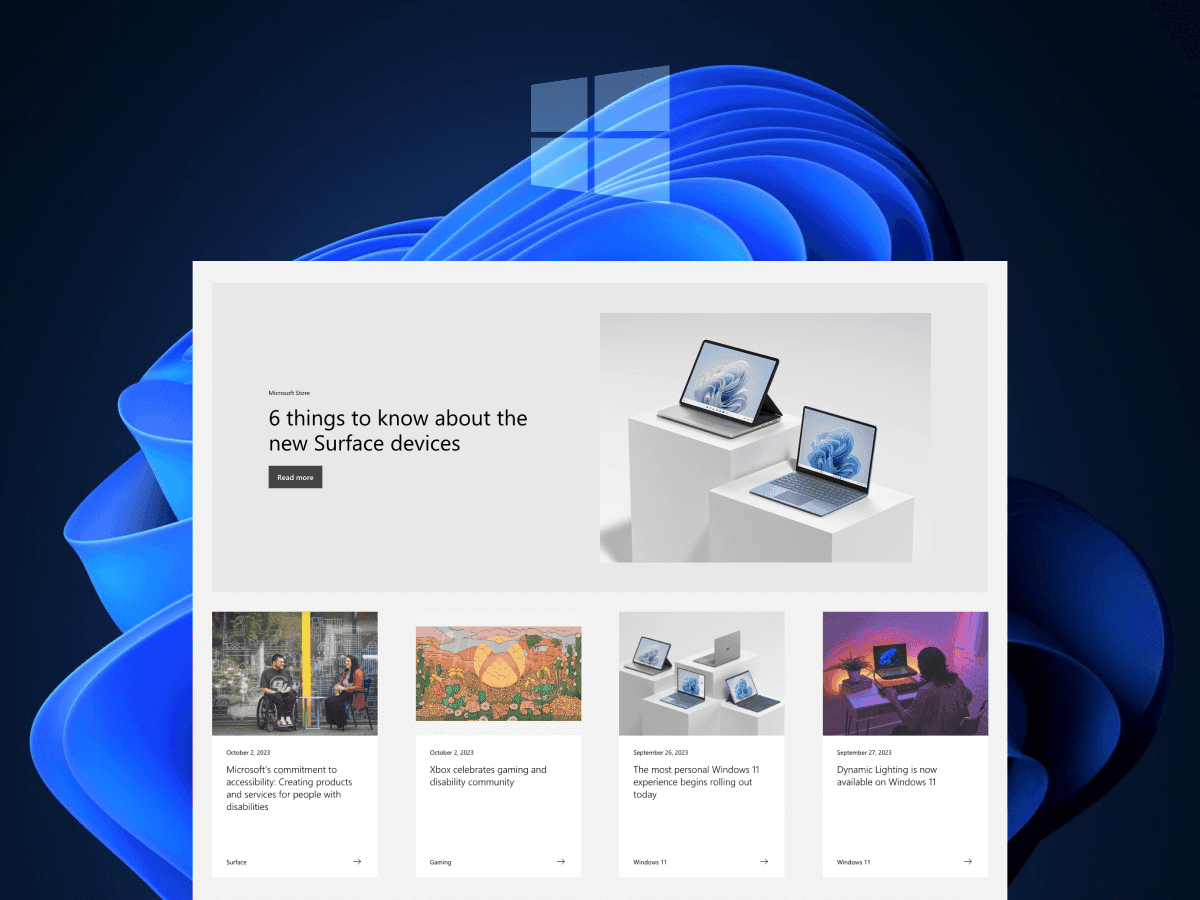
Enterprise newsroom
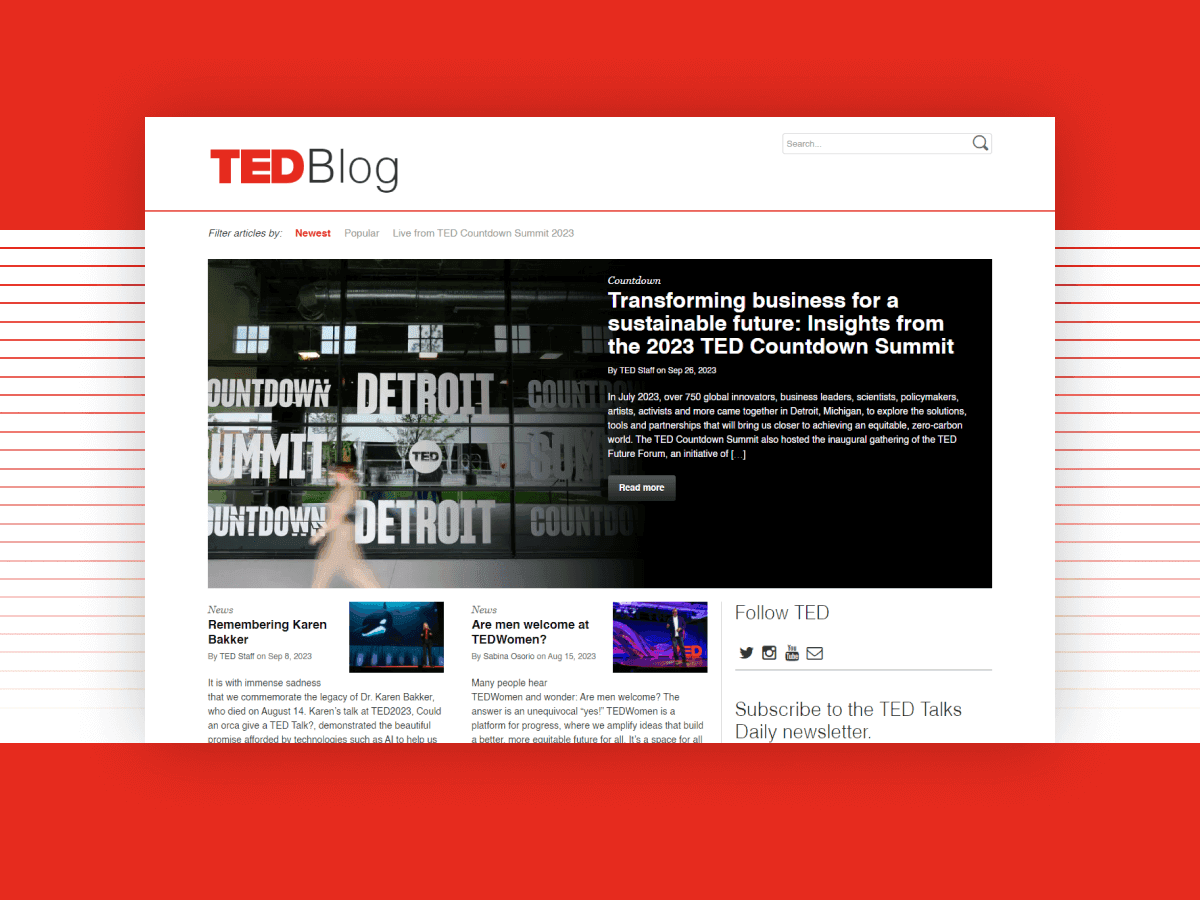
Ideas and research
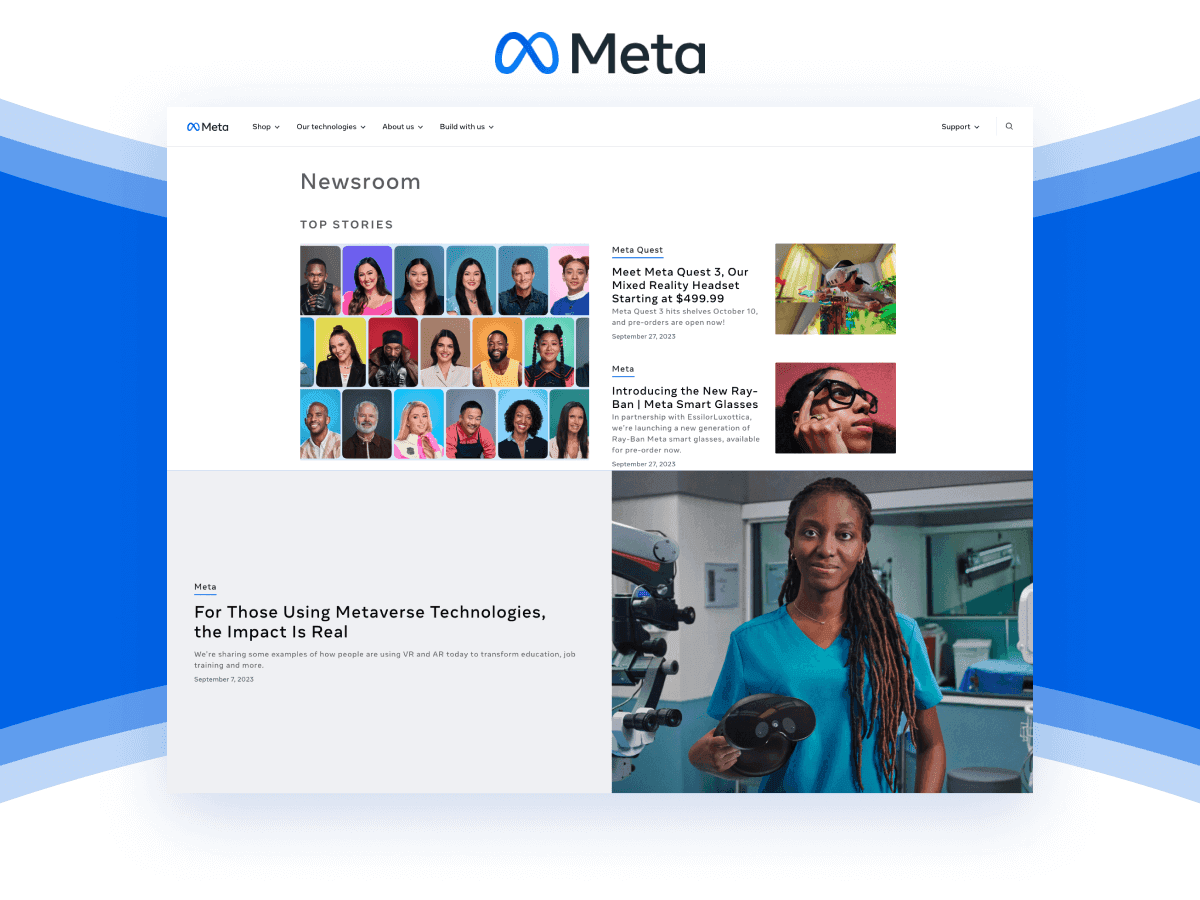
Company newsroom
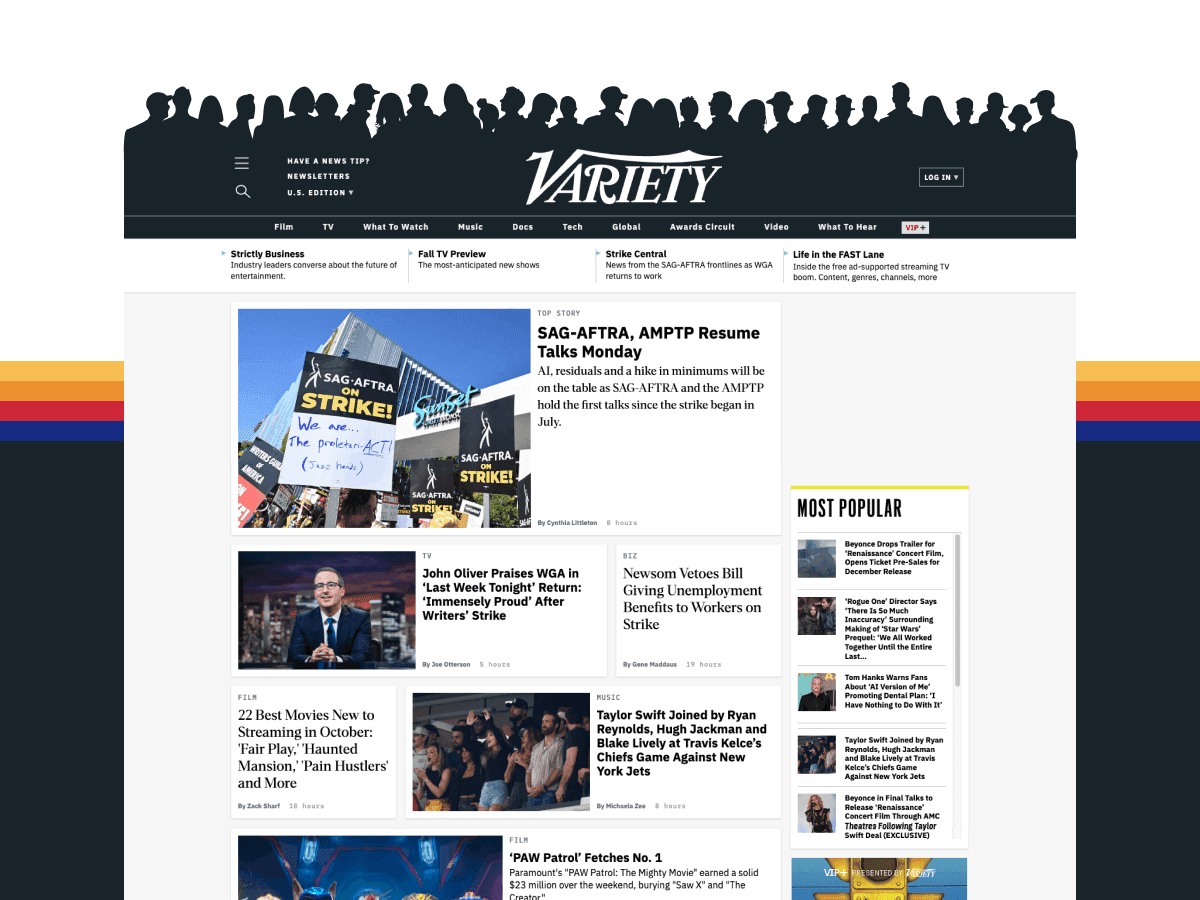
Entertainment publisher

Independent creator

Fashion publisher
AI search is changing
AI assistants are changing how buyers find information. Find pages to refresh, strengthen internal links, and prioritize with search and traffic data.
See how it worksAsk Quisi AI
Which topics need more internal links?
Search by topic, then spot thin, outdated, or hard-to-find pages.
Find orphaned pages and see how links connect your content.
Use Analytics and Search Console data to focus on pages with traffic and search interest.
Quisi AI turns recommendations into approved updates in WordPress, so your team can improve content at scale.
How it works
Install the WordPress connector. Published content syncs to a private workspace as it changes.
Browse, filter, and audit your content. Add analytics connections for more context.
Quisi AI finds content issues, recommends fixes, and applies your approved updates across WordPress.
See the whole picture
Each page has a place in your site. Inquisition helps you find the connections, gaps, and performance signals that are easy to miss one spreadsheet at a time.
Explore archive toolsWho it's for
Move from manual audits and client-by-client spreadsheets to a repeatable way to inspect each site and find the next useful conversation.
Explore early accessGet a clearer picture of what is in your archive, which pages need a closer look, and how the site's content fits together.
Explore early accessYour content, connected
Connect your content and performance data to add context to every review.
Content audit FAQs
Learn how Inquisition audits WordPress archives, uses performance data, and helps teams prioritize what to review.
Get early accessInquisition helps agencies and content teams audit an existing website archive. It organizes published WordPress content, surfaces pages and links worth reviewing, and lets your team explore findings with Quisi AI.
Connect a WordPress site to review its published content in one searchable archive. Look for outdated or thin pages, missing metadata, and posts with few internal links. Connect analytics to add traffic and search performance context.
An Inquisition audit can surface stale or thin content, missing search details, posts covering similar topics, and pages with few internal links. Connected performance data helps your team decide which findings deserve a closer look.
Yes. Connect Google Analytics 4 and Google Search Console to bring traffic and search performance data alongside your content archive.
WordPress is the supported content management system integration. Google Analytics 4 and Google Search Console connect separately to provide performance data.
No external site crawl is required. The WordPress connector sends published content from inside your CMS to your Inquisition workspace.
Inquisition helps your team review content quality, structure, internal links, and performance signals that matter to discoverability. It does not measure AI citations directly or guarantee rankings or recommendations in AI search.
Yes. Quisi AI finds content issues, recommends fixes, and applies approved updates across WordPress in bulk. Your team reviews and approves changes before they are applied.
Both. Agencies can work across client workspaces, while in-house teams can use Inquisition to understand and maintain their own content archive.
Select Get early access to request access for your team and receive the next steps.
Your archive is worth understanding